 Fonosfer
Explore
Search by fund code or name. Inspect prices, data dates, historical performance and asset allocation.
Explore investment funds. Track your portfolio with your own records. Put returns in perspective with inflation and currency comparisons.
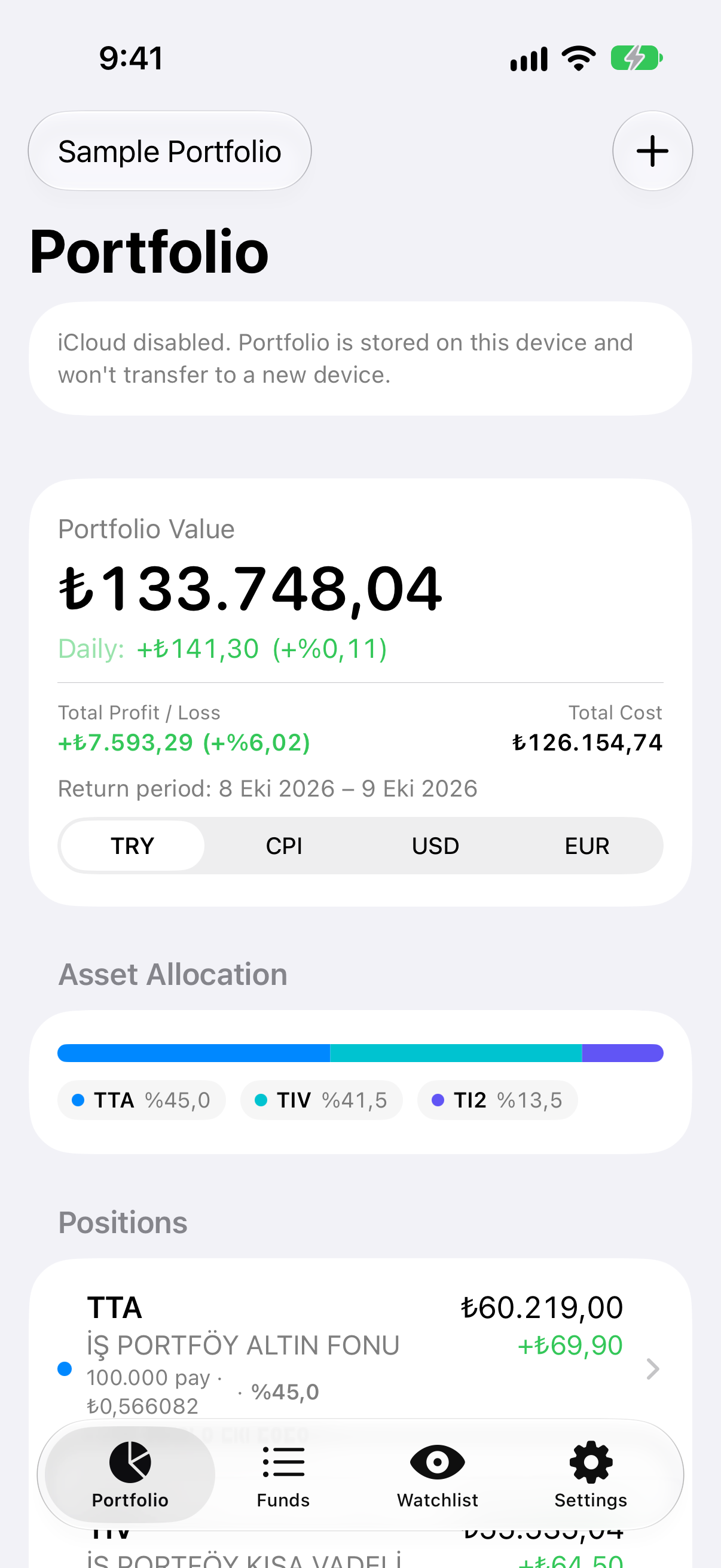
From finding a fund to following your portfolio, keep the information you need in one app.
Search by fund code or name. Inspect prices, data dates, historical performance and asset allocation.
Add funds to your watchlist. Record your actual purchases and sales to see your portfolio in one place.
With Premium, compare returns against Turkish CPI, USD and EUR, and explore historical drawdowns and fund comparisons.
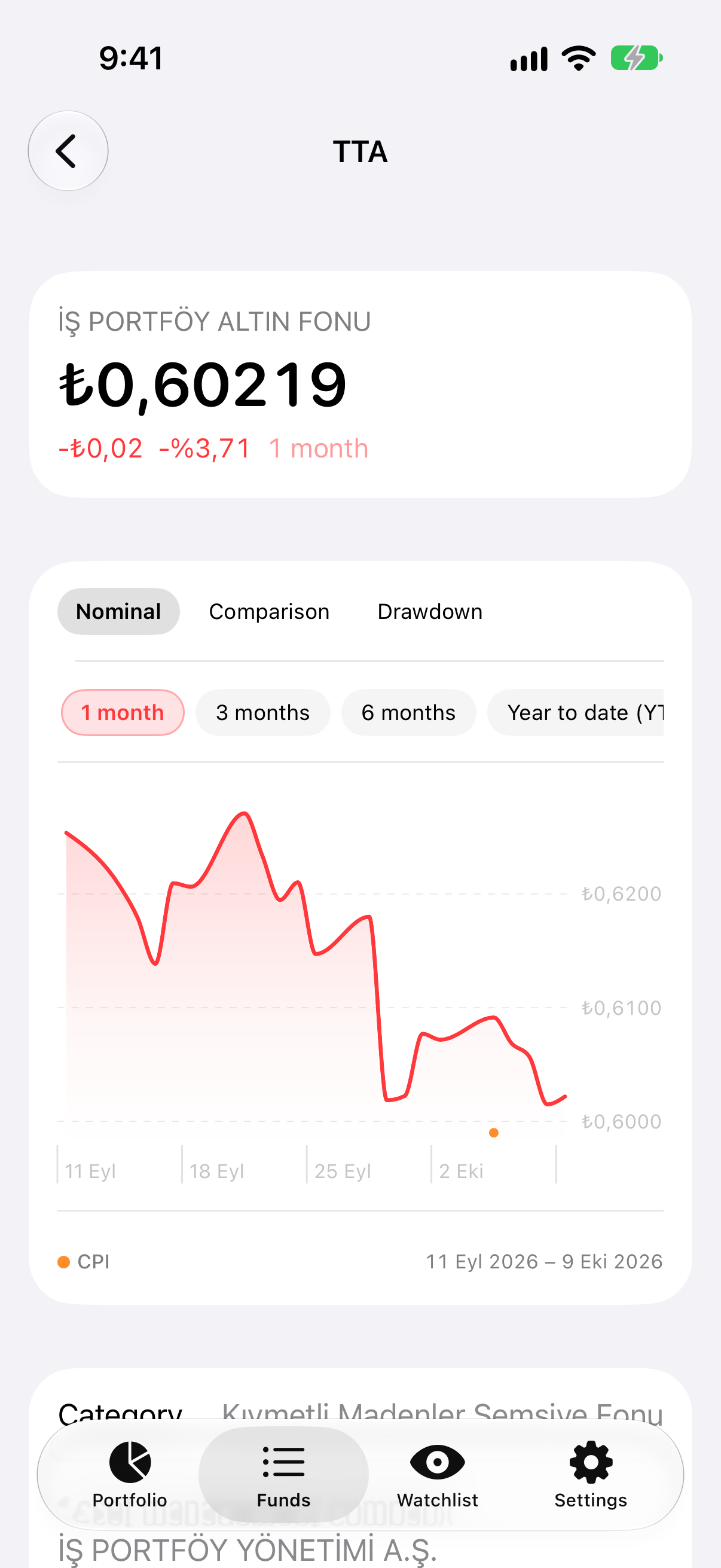
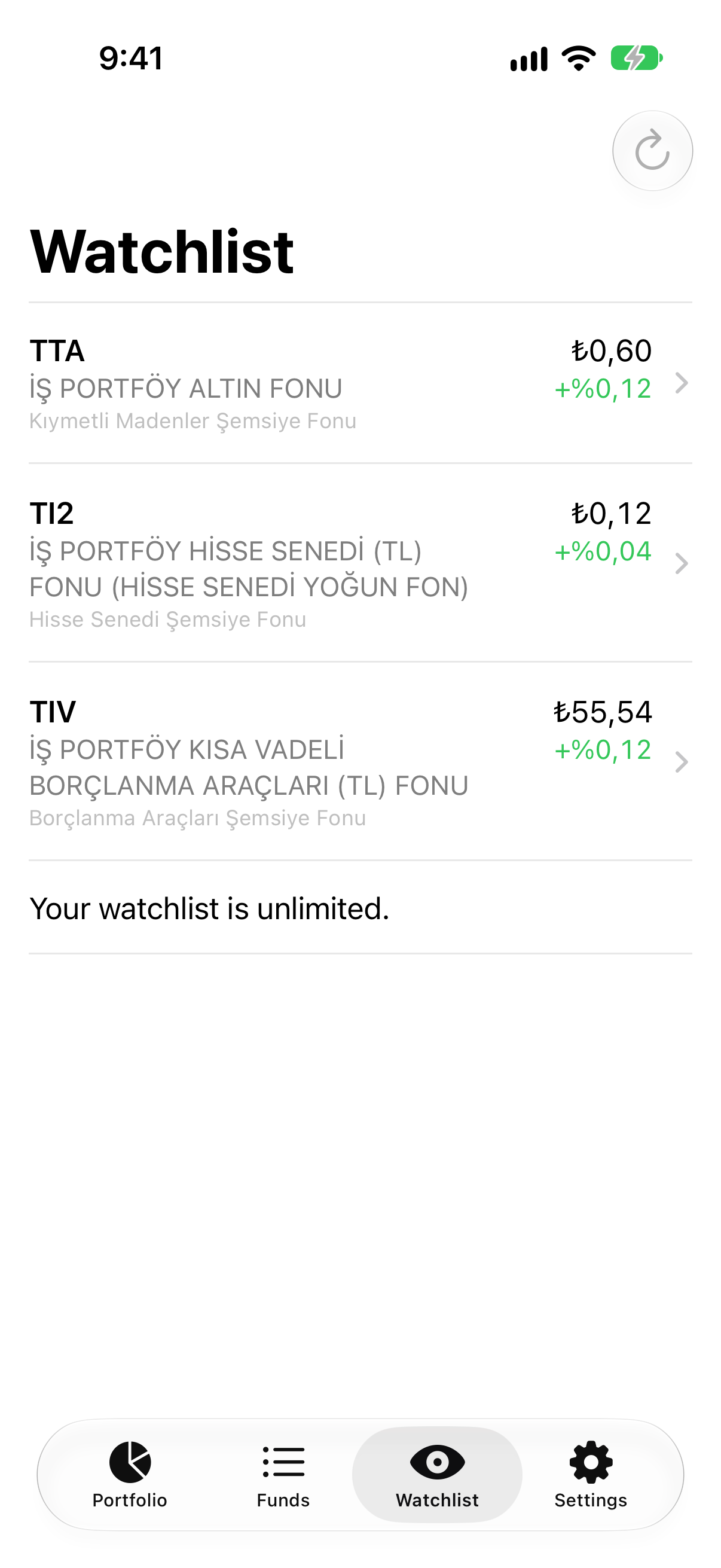
Screenshots contain illustrative holdings and data from the capture date. They are not live quotes or a promise of returns. Some screens show Premium features.
An optional in-app guide takes you from your first search to your portfolio summary.
Search its name or code, open the details and add it to your watchlist if you want to follow it.
Enter the purchase date, units and unit price of funds you own. No bank connection is required.
Review portfolio value and profit/loss. If you do not own a fund yet, keep exploring without creating a record.
Start for free. Choose an in-app plan for more analysis and tracking tools.
Explore funds and follow your first portfolio.
See your portfolio from different perspectives.
Add unrestricted-fund research to Premium tools.
Premium and Premium+ are auto-renewable subscriptions. Current weekly, monthly, quarterly and yearly prices appear in the Apple purchase screen in the app. Manage subscriptions through your Apple account. Unrestricted funds are intended for qualified investors.
Portfolio unit counts, transaction prices and values stay on your device and, if enabled, in your own iCloud account. They are not sent to Fonosfer servers.
We explain what we process for Sign in with Apple, watchlist sync, subscription verification and support. We do not sell personal data or track you for advertising.
No. Fonosfer is a research and tracking app. You enter your purchase and sale records; it does not send orders to a bank or broker.
No Fonosfer account is needed to browse funds or keep a local portfolio and watchlist. Sign in with Apple is available for account-based watchlist sync. Portfolio storage in iCloud uses the iCloud account on your device.
Data updates follow the sources’ publication schedules. Always check the data date in the app. A displayed price is not a guaranteed execution price.
Nominal returns show changes in Turkish lira. Premium comparisons help you evaluate performance against Turkish CPI or another currency. Results are for information only.
Yes. Open Getting started in Settings to restart the hands-on guide. You can skip steps or close the guide at any time.
Manage subscriptions in device Settings → Apple Account → Subscriptions. Delete your Fonosfer account in the app under Settings → Account. Deleting the account or app does not cancel your subscription.
Get help with technical issues, subscriptions or feedback.